
Your website and store, on one platform.
Website creation and management built for pet aftercare, with direct-to-pet-parent eCommerce, a pet parent chat bot, payments and order management, all fully integrated into Angelpaw tracking.
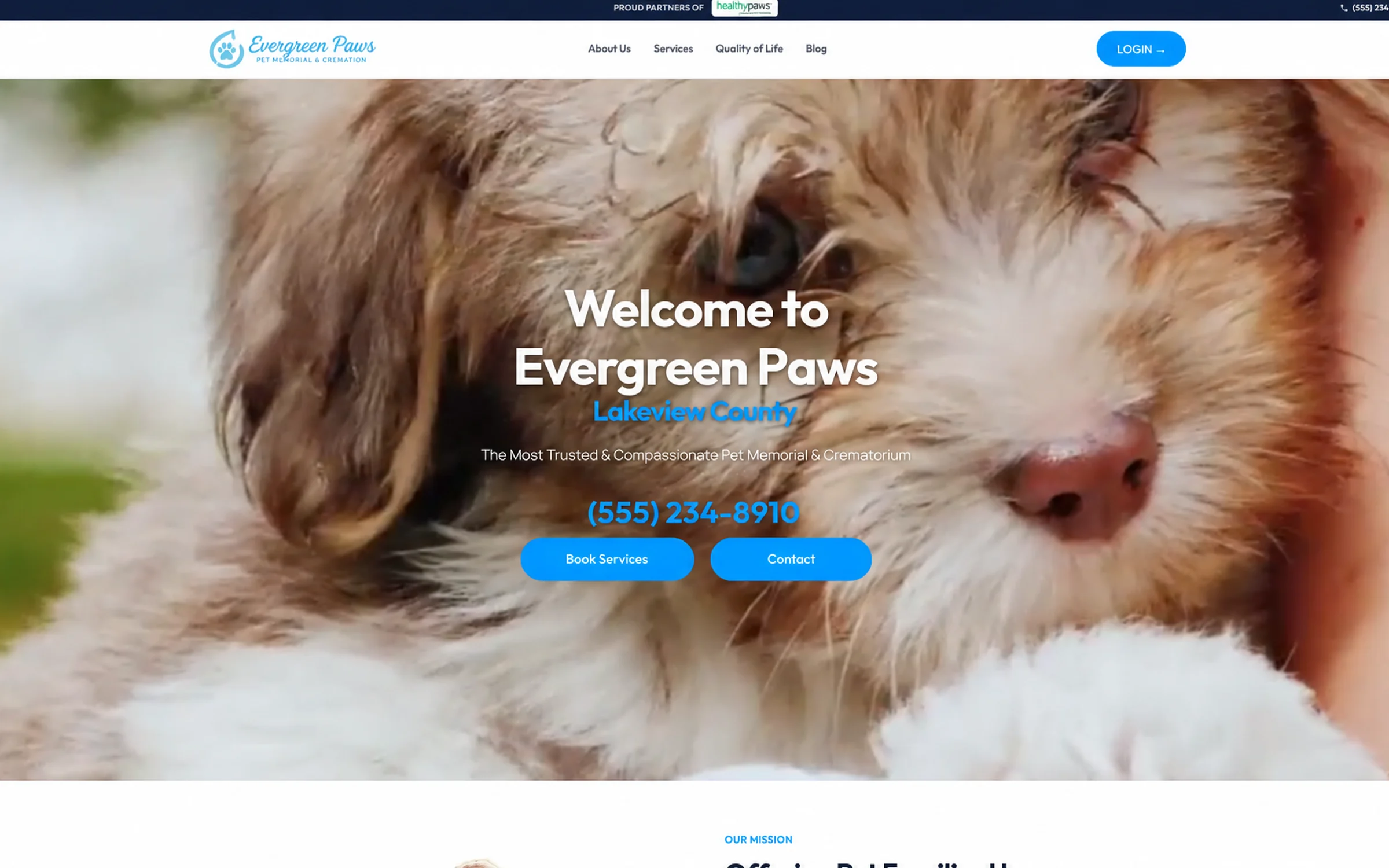
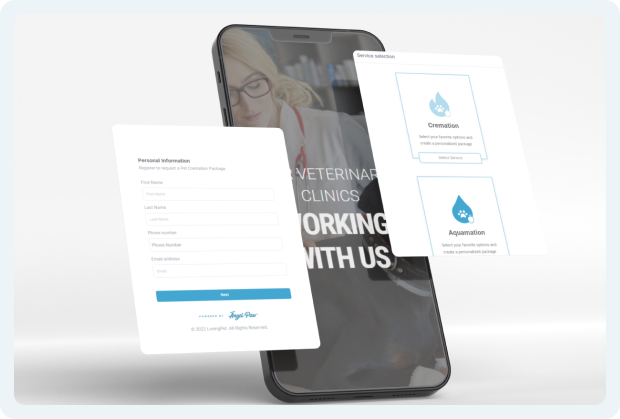
Designed to convert, on every device.
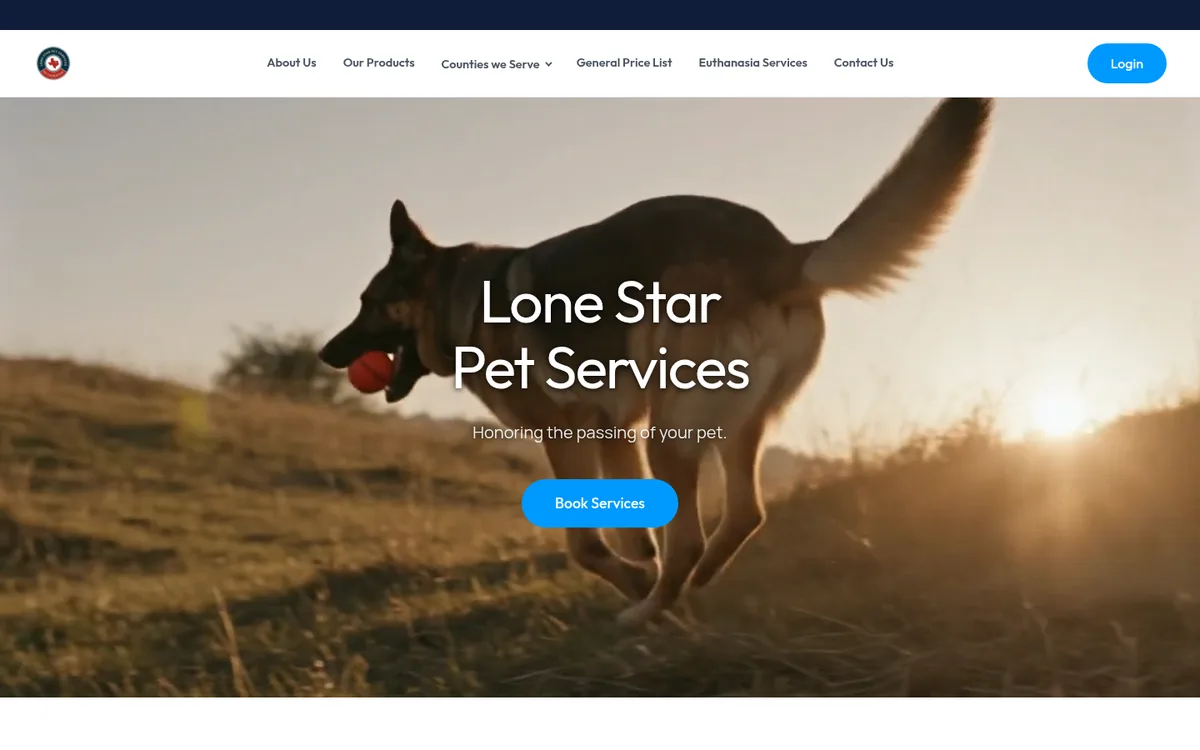
Modern web designs and eCommerce flows focused on pet cremation and aquamation, custom-developed around your location, brand colors, logo and communication strategy.
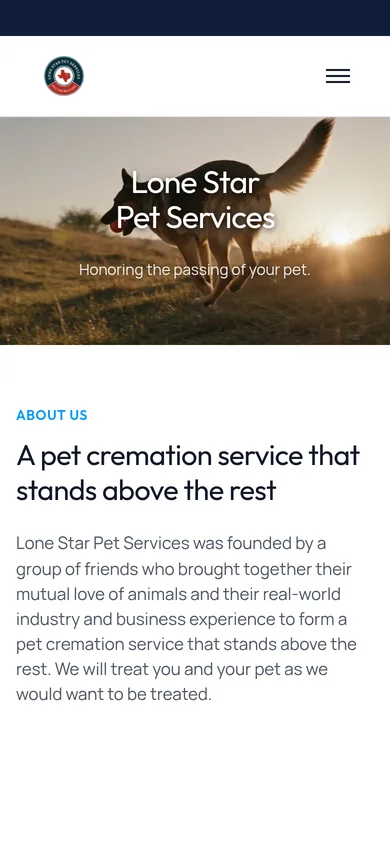
of all users are coming from mobile devices, so every design is responsive across desktop, tablet and phone.

Automated site metadata
Optimized titles and descriptions for every page, organizing your content for search engines.
AI text for images
Precise image descriptions that increase your website's relevance and accessibility.
AI powered SEO
SEO implementation that increases the discoverability of your website.
Reliable SEO audit
An AI-assisted audit system that quickly reviews your web presence and relevance.
Hundreds of templates
Hundreds of templates as a starting point, then fully customized to your brand, your market and your services.

Content creation support
Help growing your brand awareness in search engines and on social media.

Online booking
Booking built into the site, offering only the days and times you actually work. New appointments appear on your Angelpaw calendar immediately, with confirmations and reminders.

Health Assessment built in
A guided pet health check families complete right on your site, ending in a recommendation to book.
Arrangements online, one screen at a time.
Your public, branded request form. Pet parents share their details, choose a package, add memorial items, sign the release, pick the hand-off and return, and pay. Tap a step to see the real screens.
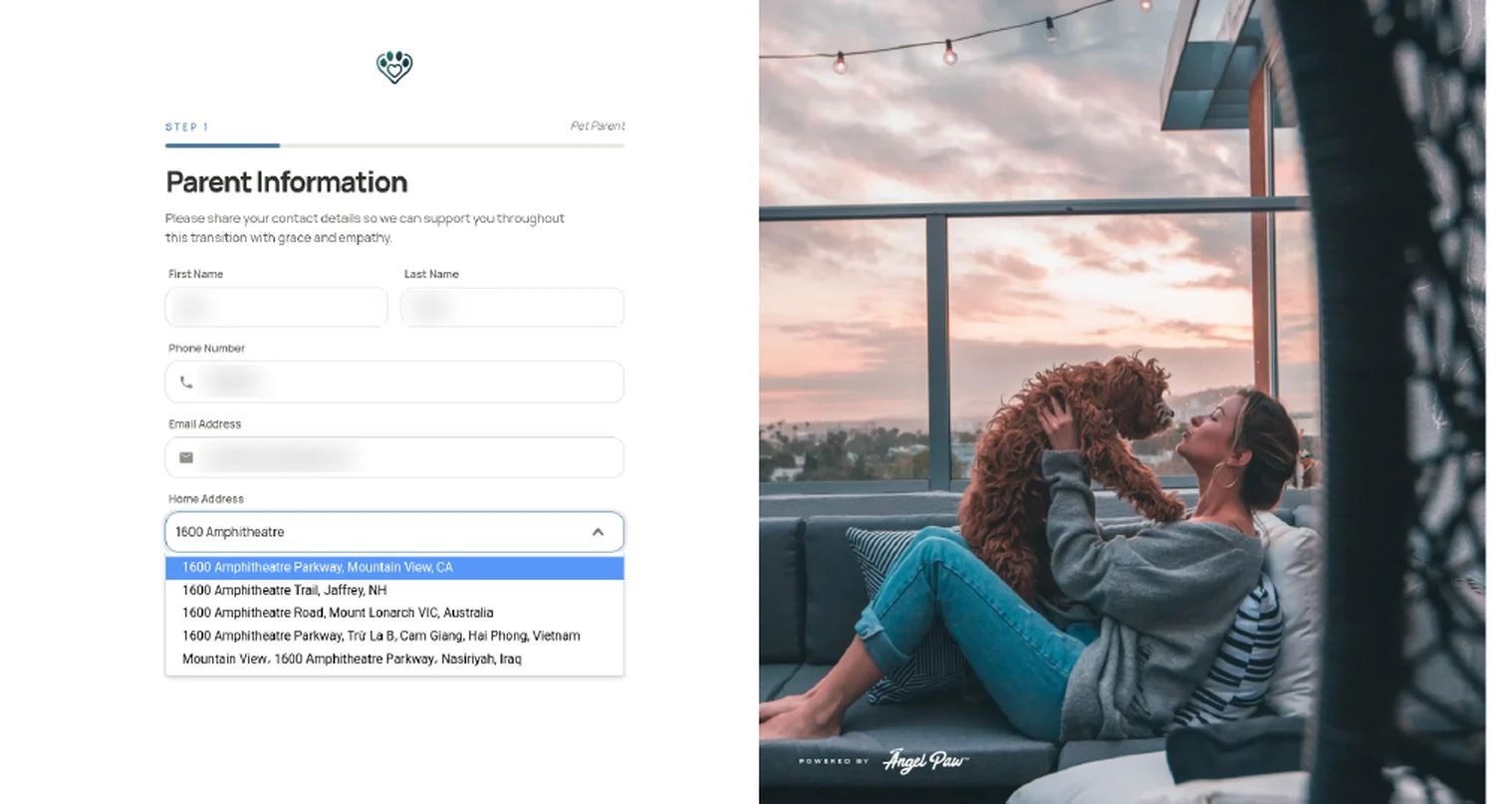
Parent Information
Name, phone, email and home address. The address is picked from live suggestions as the pet parent types, so every order starts with a real address.
- Phone and email are checked for a valid format
- With a service area set, addresses outside it are politely refused with a message to contact you
- A Previous button on every step goes back without losing anything
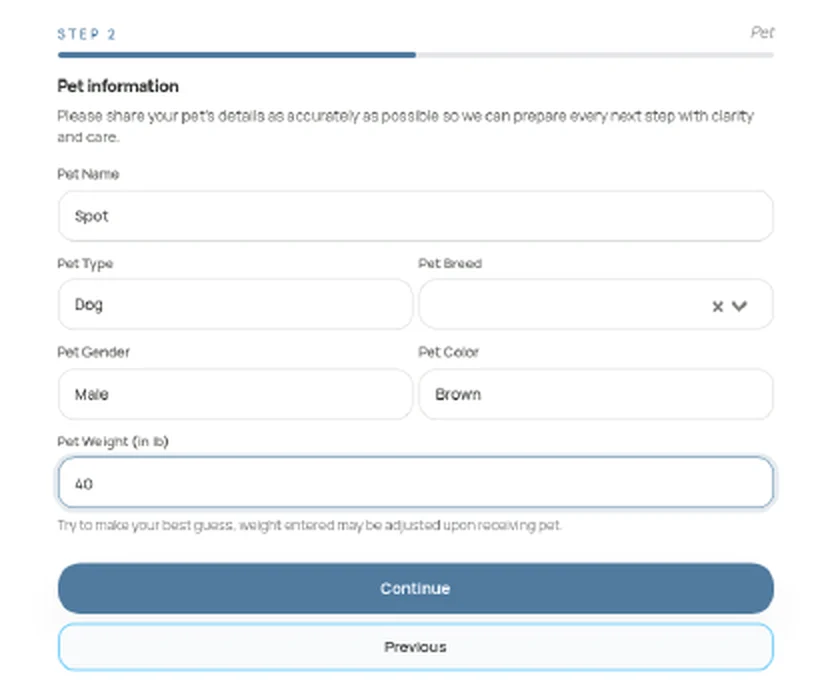
Pet information
Pet name, type, breed, gender, color and weight in pounds. A short note asks for a best guess, since weight can be adjusted when the pet is received.
- Breed is chosen from a list
- Weight decides which packages and prices apply
- From this step on, the request is saved and visible to your team
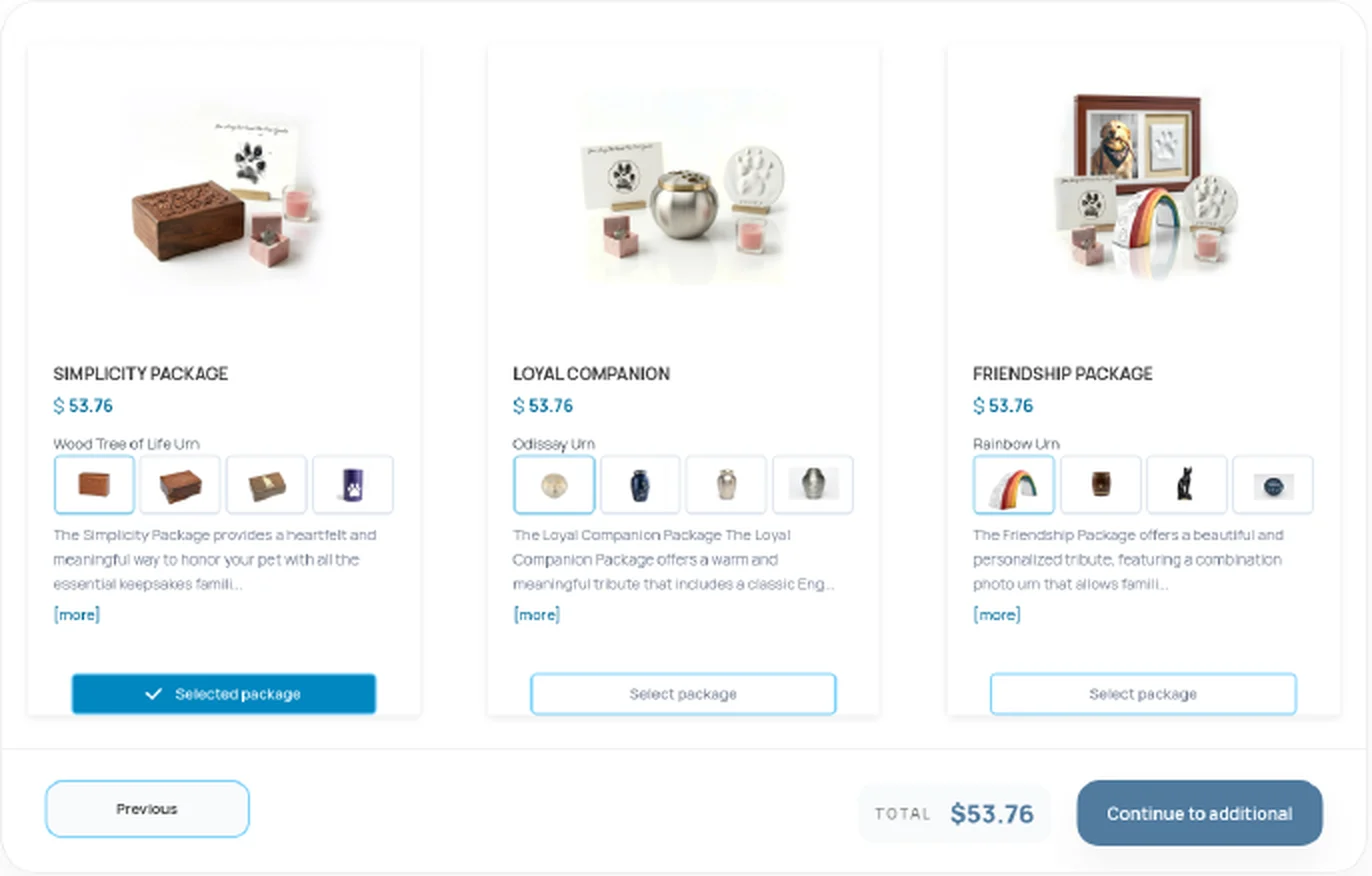
Package
Package cards with a photo, price and description, each showing its urn choices as thumbnails. [more] opens everything the package includes.
- The total updates as soon as a package is selected
- When you offer more than one service online, such as cremation and aquamation, the pet parent picks the service first
- Packages match the pet's species and weight, at your prices
Additional Items
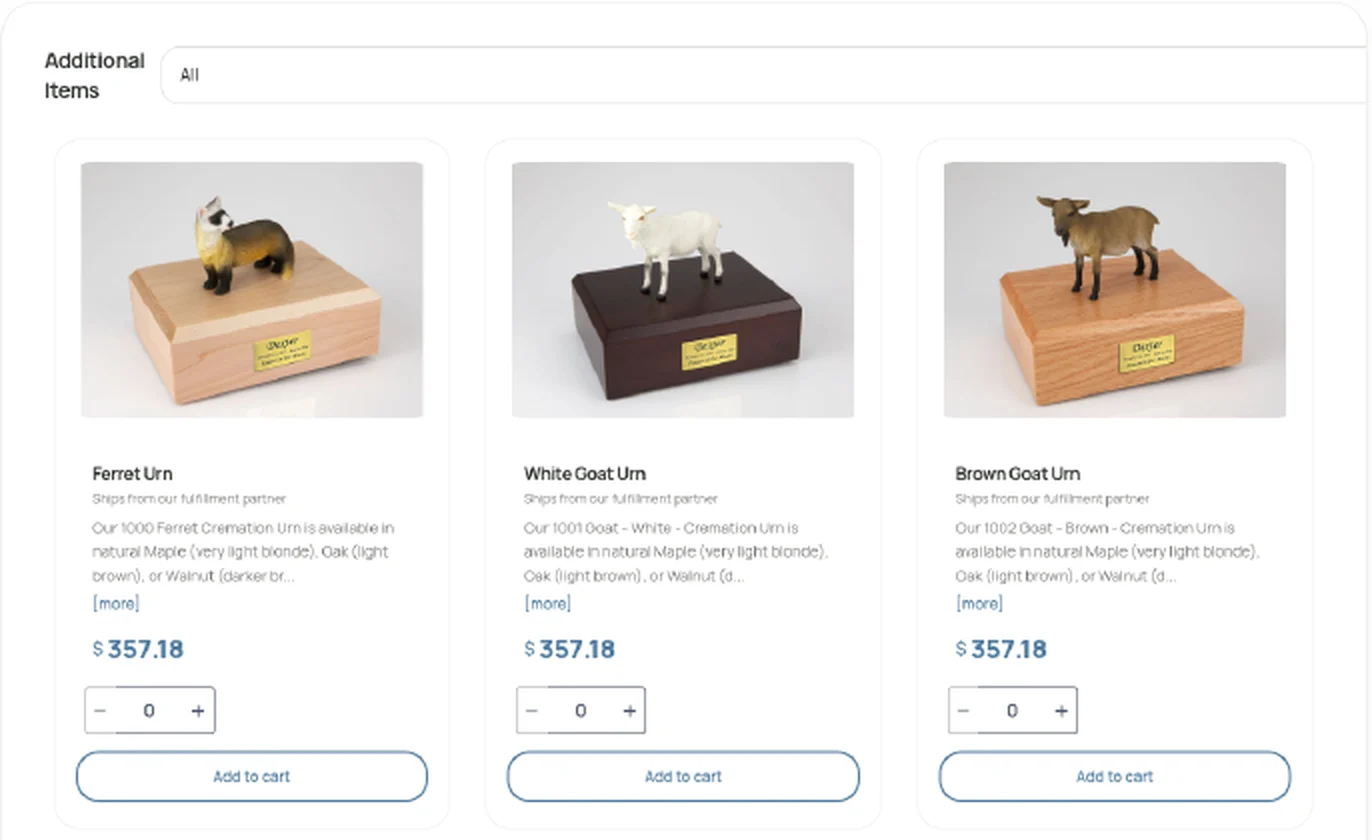
Optional urns, keepsakes and memorial products from your catalog, each with a photo, description, price, quantity and Add to cart.
- A category filter at the top of the list
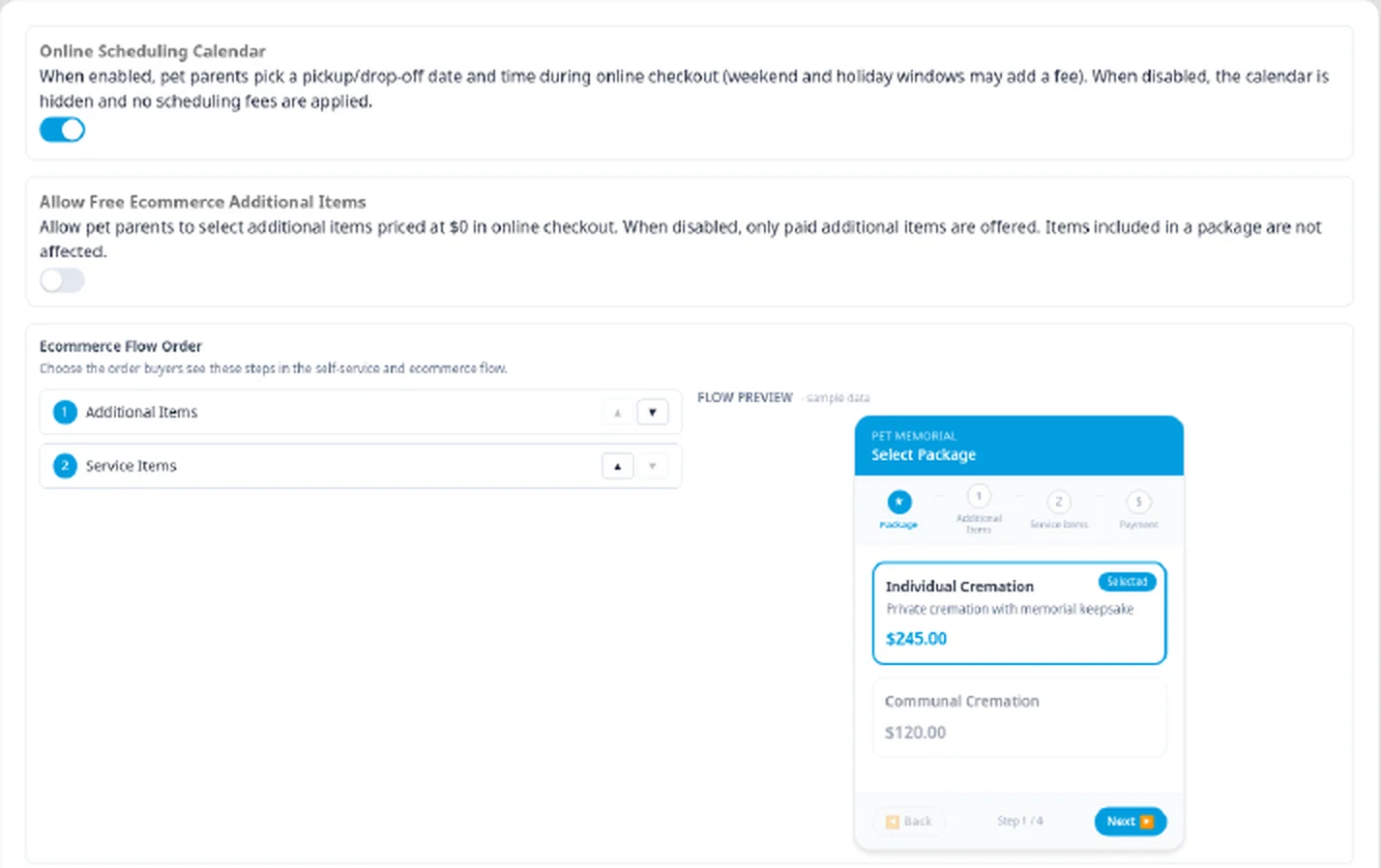
- You choose whether Additional Items or Service Items come first
- Free $0 add-ons only appear if you allow them
Review and authorize
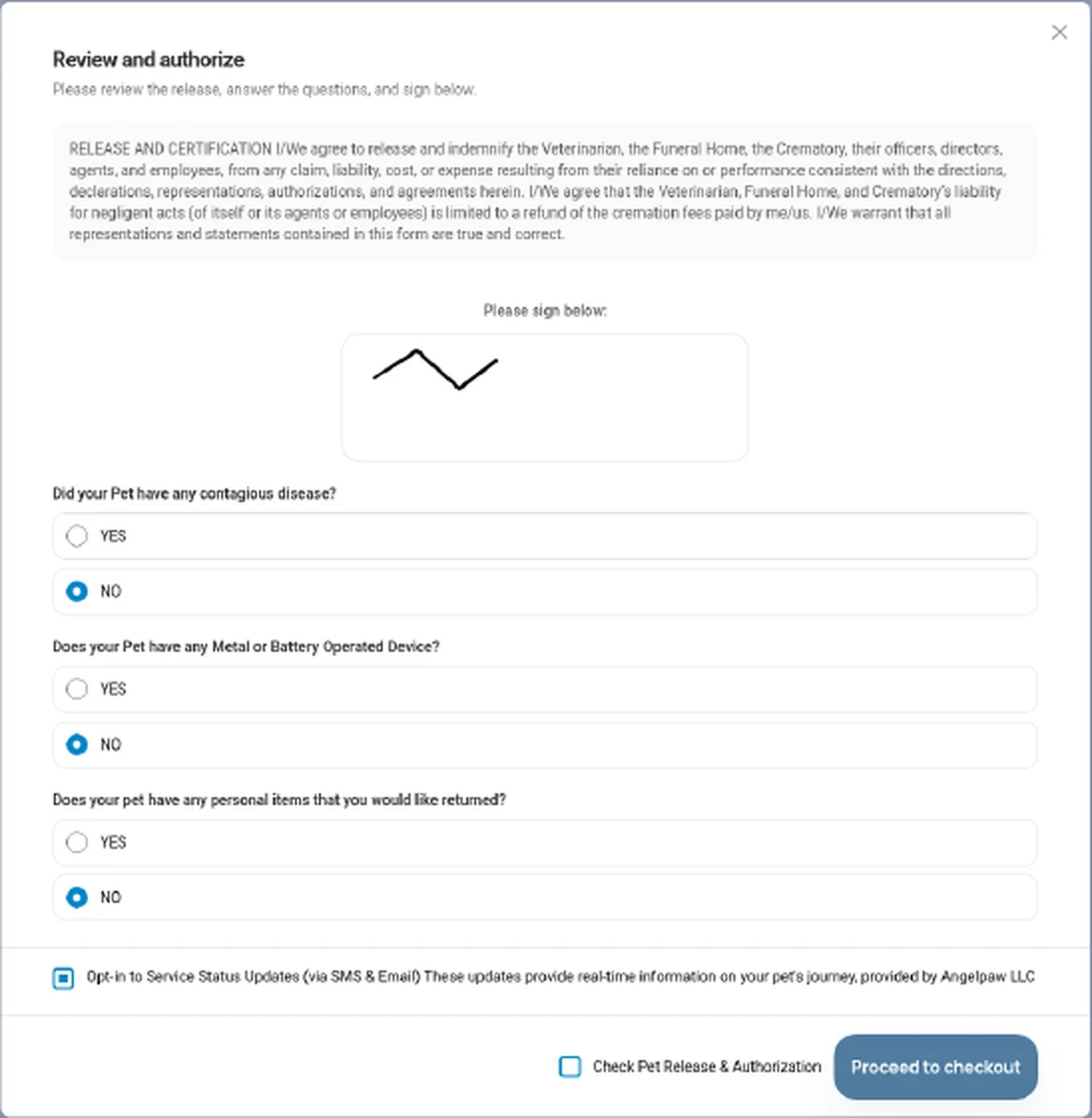
The pet parent reads your release, signs on screen with a finger or mouse and answers your questions before checkout.
- Questions such as contagious disease, metal or battery operated devices, and personal items to return
- An opt-in for service status updates by SMS and email
- The release must be checked before Proceed to checkout
Hand-off, return and payment
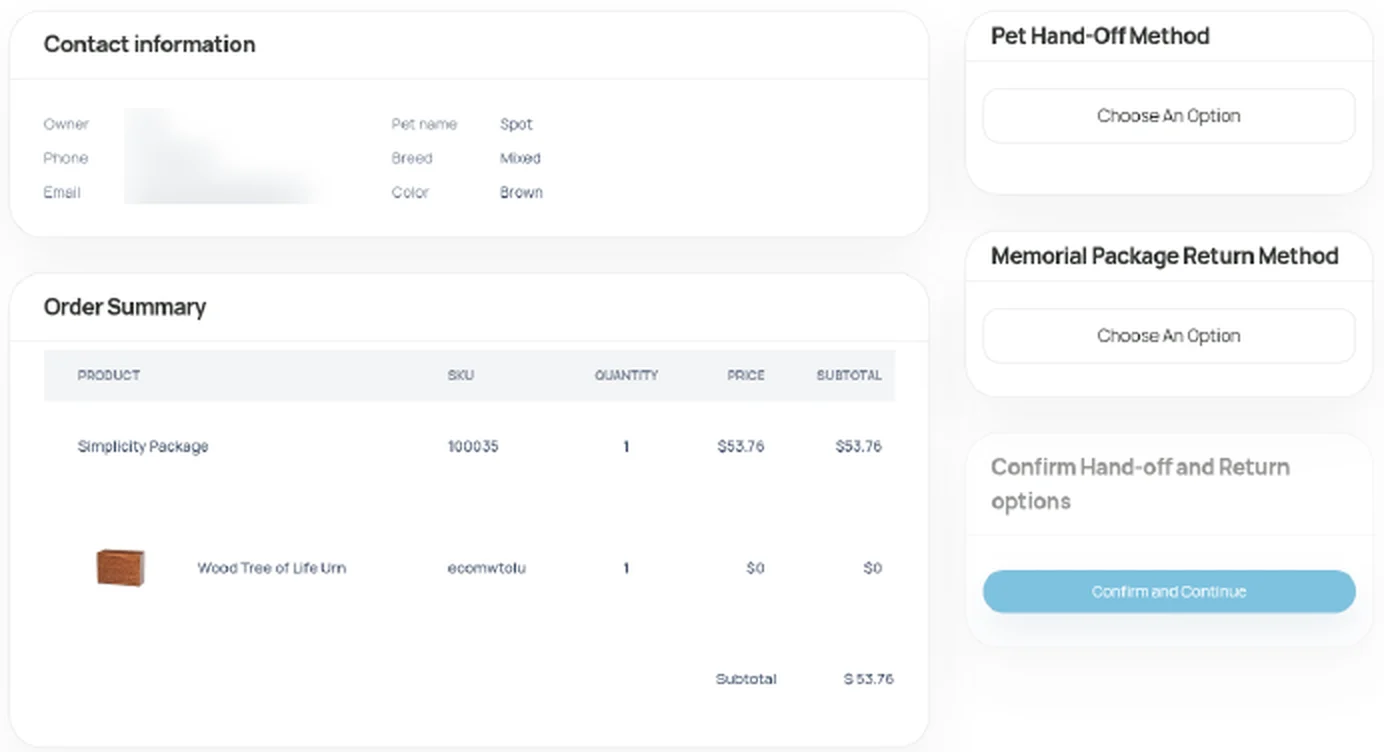
Contact details and an order summary with every product, SKU, quantity and price, then the Pet Hand-Off Method and Memorial Package Return Method before paying by card through your payment processor.
- Delivery or distance fees, and weekend or time-based fees, are added before paying
- With the online scheduling calendar on, families pick a date and time
- Some care centers also allow paying later, at pickup or at the appointment
Confirmation
Thank you, with the pet's service ID and a link to the Pet Parent Portal to follow the journey.
- Any files still needed are listed
- Pet parents also receive your usual confirmation messages
Your logo, your colors, your release.
The portal uses your logo and brand color, your release text and your packages, images and descriptions. Logo, menu logo and favicon are uploaded in Branding, Labels & Printing. Put the link on your website, in emails or behind a Start arrangements online button.

Every online request lands as a real order.
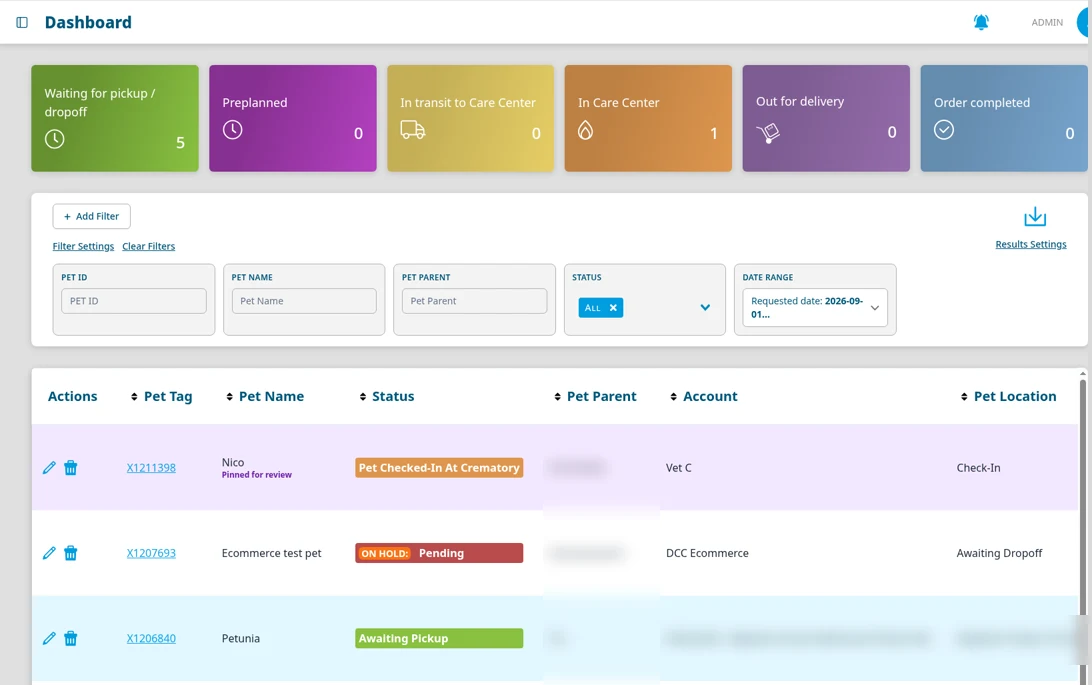
No retyping and no separate inbox. Online arrangements arrive in your Angelpaw dashboard with everything the family chose and paid for.
- 1As soon as the pet's details are entered, the request appears as a Pending order on hold, so you can reach out if a family stops part-way.
- 2When payment is completed, the hold is removed, the order moves to Awaiting pickup and staff subscribed to new eCommerce orders are notified.
- 3The order carries the items, prices, fees, hand-off and return methods, schedule, signed release and payment.
- 4Filter by Sales Channel to see eCommerce requests and Vet Referral requests that came through a partner clinic link.
Four ways families can buy from you online.
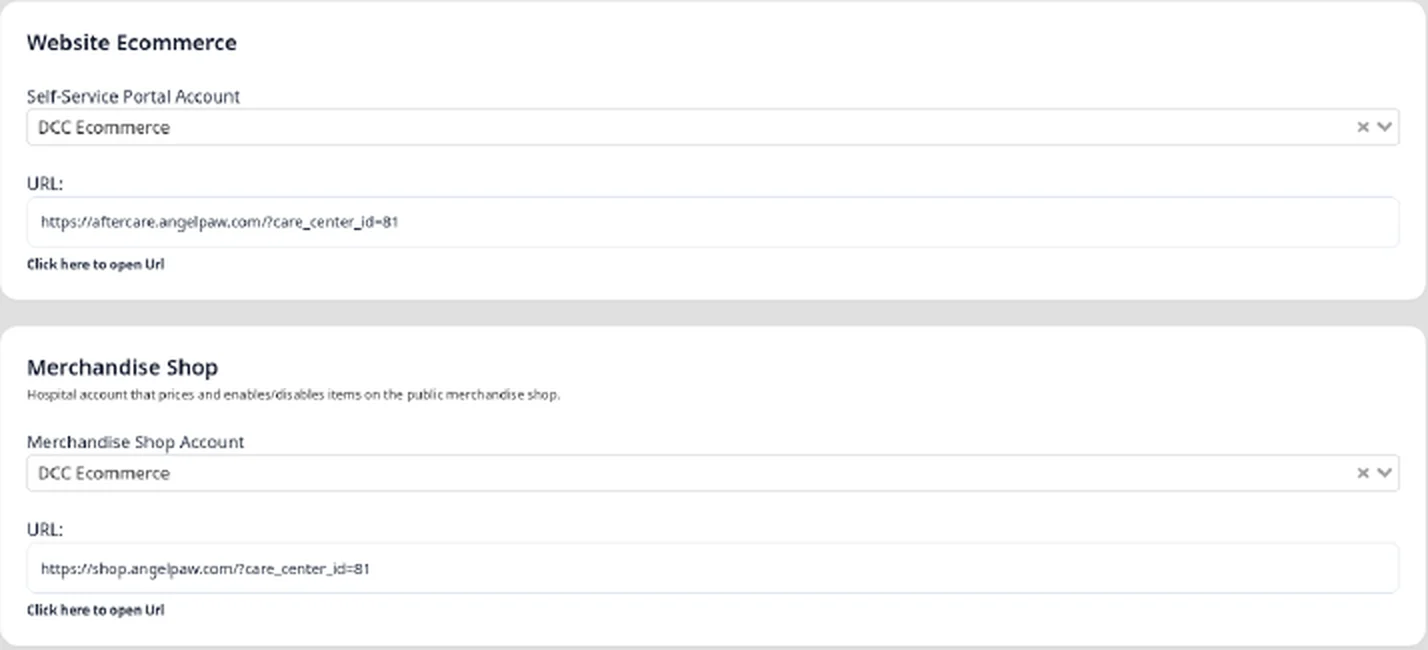
Each channel uses the prices of the account you choose for it, and every sale flows into the same platform as your tracking and orders.
Self-Service Portal
Your branded request form for services, packages and keepsakes, with release and payment built in.
Becomes the pet's service orderClinic request links
A portal link that includes a clinic's account files requests under that clinic and uses its prices.
Shows as Vet ReferralMerchandise Shop
A public retail store for memorial products, with the products, prices and fulfillment you control.
Lands in Storefront OrdersPet Parent Portal add-ons
Signed-in pet parents can add items from the catalog in their portal while their order is in progress.
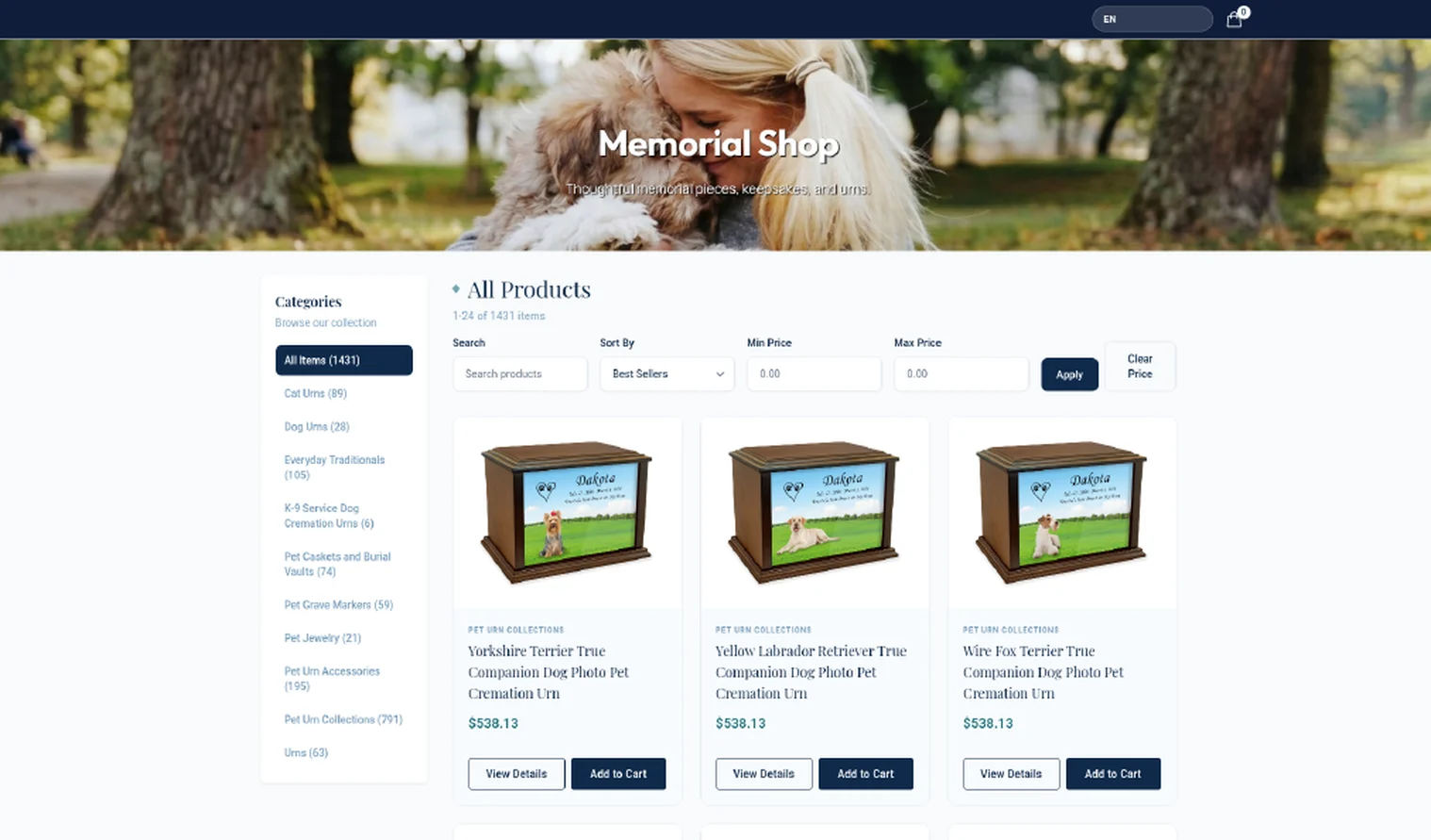
Added to the existing pet orderA memorial store that is always open.
Your public shop lists memorial products by category, with search, sorting and a price filter, product details and a cart. Products and prices come from the account you choose in your settings.
Families pay the way that suits them.
Payments are part of the same order, so your team always knows what has been paid and what is still open.
Online at checkout
Card payment through your payment processor, at the end of the online arrangement.
Payment links
Staff can send a secure link by email or text, and the family pays from their own phone.
Pay later
Where your care center allows it, families confirm now and pay at pickup or at the appointment.
Clear card fees
If you add a card-processing service charge, staff see the fee before charging. No surprises for the family.
Buy Now, Pay Later at checkout
Families can split the cost into interest-free installments at checkout, and Angelpaw manages the scheduling, validation and transfers. Pet aftercare financing

Shape the flow from your settings.
Choose the account and prices behind your portal and shop, turn on the online scheduling calendar, decide whether free add-ons appear and set the order of the checkout steps. The portal and the shop each get their own link.
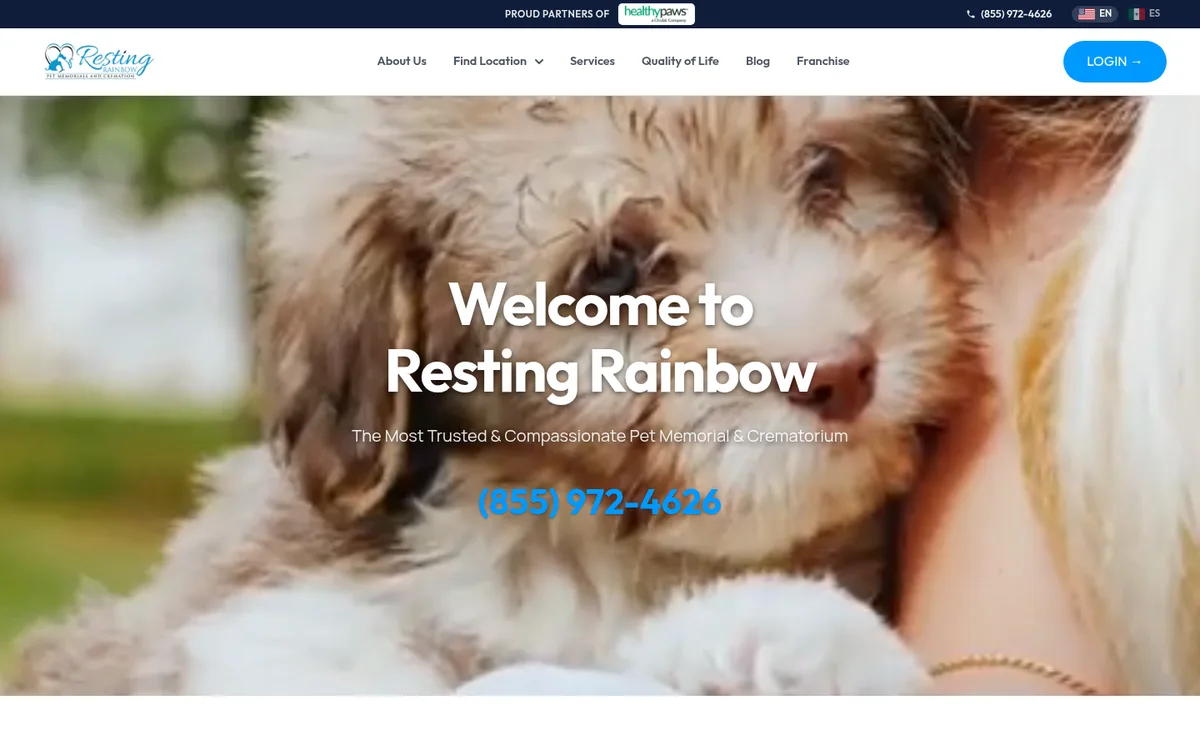
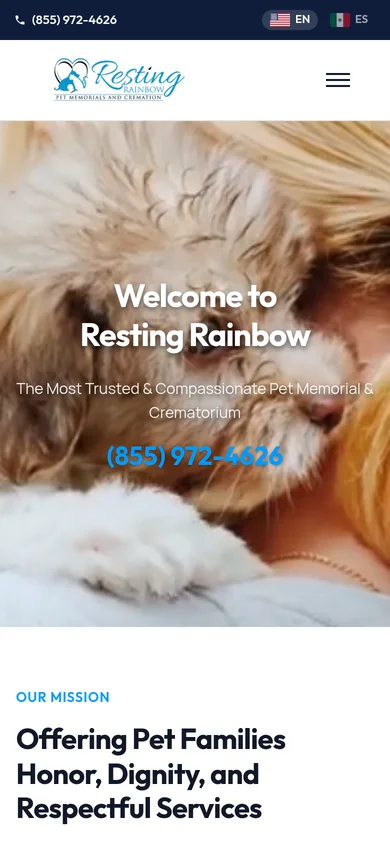
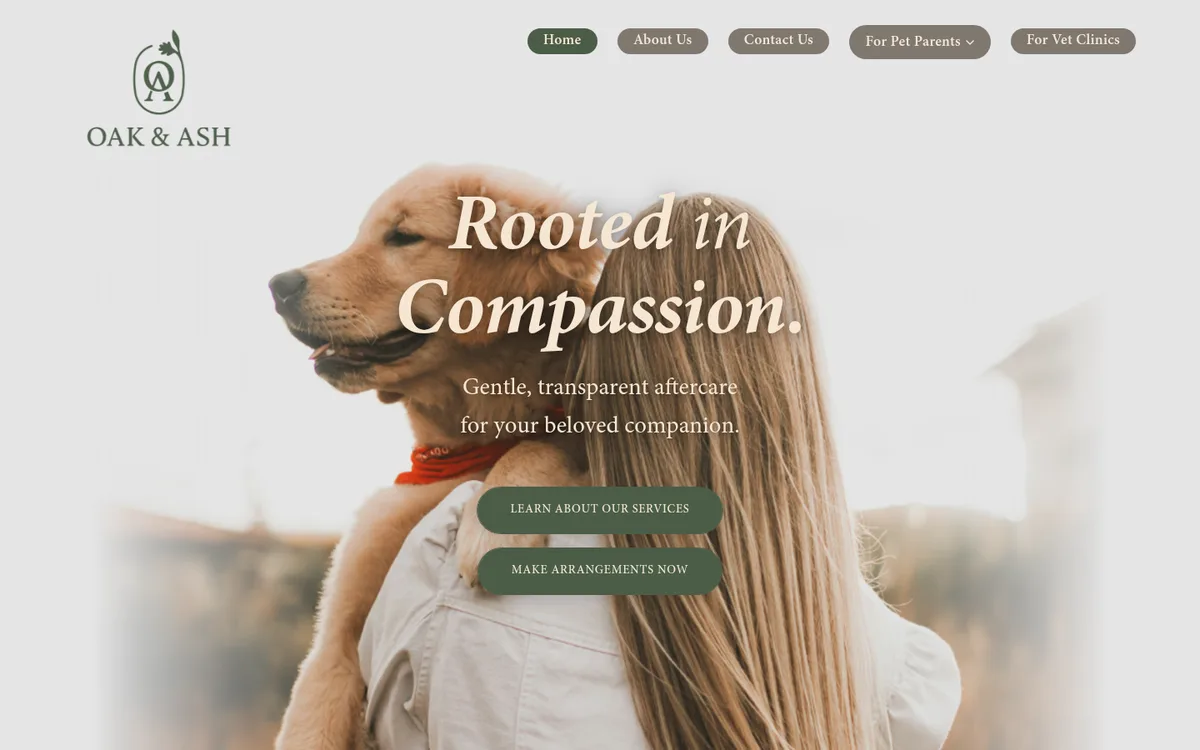
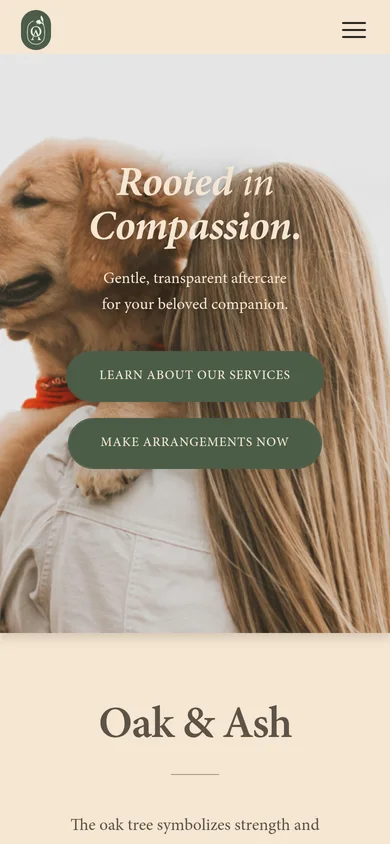
A guided build, phase by phase.
You review and approve. Our team handles the design, the development and the store setup with you.
Design
A design tailored to your brand, colors, logo and communication strategy.
Development
A fully responsive site that works across desktops, tablets and smartphones.
eCommerce setup
Products and services, delivery options and pricing packages, configured with you.
Testing
Website and eCommerce tested together until everything runs smoothly.
Launch
Once approved, the site is published and your online store goes live.
Post-launch support
Ongoing help managing and optimizing your website and eCommerce.
Moving from an existing site? Launches keep your existing page URLs, and forms, shop and payments are checked before the switch.
Common questions
Can I have only the website or only the eCommerce?
Yes. We recommend using both to take full advantage of the platform, but you can choose either one on its own.
How is my custom website created?
In phases: design, development, eCommerce setup, testing and launch, followed by post-launch support. Your location, brand colors and overall strategy shape the build.
Can the platform be customized to my needs?
Yes. The website and eCommerce can be customized to fit the needs of your business.
Can families book appointments from the website?
Yes. Online booking is built into the site and offers only the days and times you actually work. New appointments appear on your Angelpaw calendar immediately, with confirmations and reminders sent to both sides.
Does the website include a store?
Yes. eCommerce for pet aftercare services and products is part of the build, with payments and Buy Now, Pay Later at checkout, and every purchase lands in the same Angelpaw record as the rest of the order.
What happens if a family stops part-way through an online arrangement?
Once the pet's details are entered, the request is saved and shows in your orders as Pending on hold, so your team can contact the family. Nothing is charged until they pay.
Which packages and prices do families see online?
The packages enabled for eCommerce and offered to the account behind your portal, filtered by the pet's species and weight, at that account's prices.
Can partner clinics send families to the portal?
Yes. A portal link that includes a clinic's account files requests under that clinic and uses its prices, and those orders show as Vet Referral.
What if an address is outside our service area?
If you have a service area, addresses outside it are refused on the first step with a message asking the family to check the address or contact you. Your team can always create the order for them.